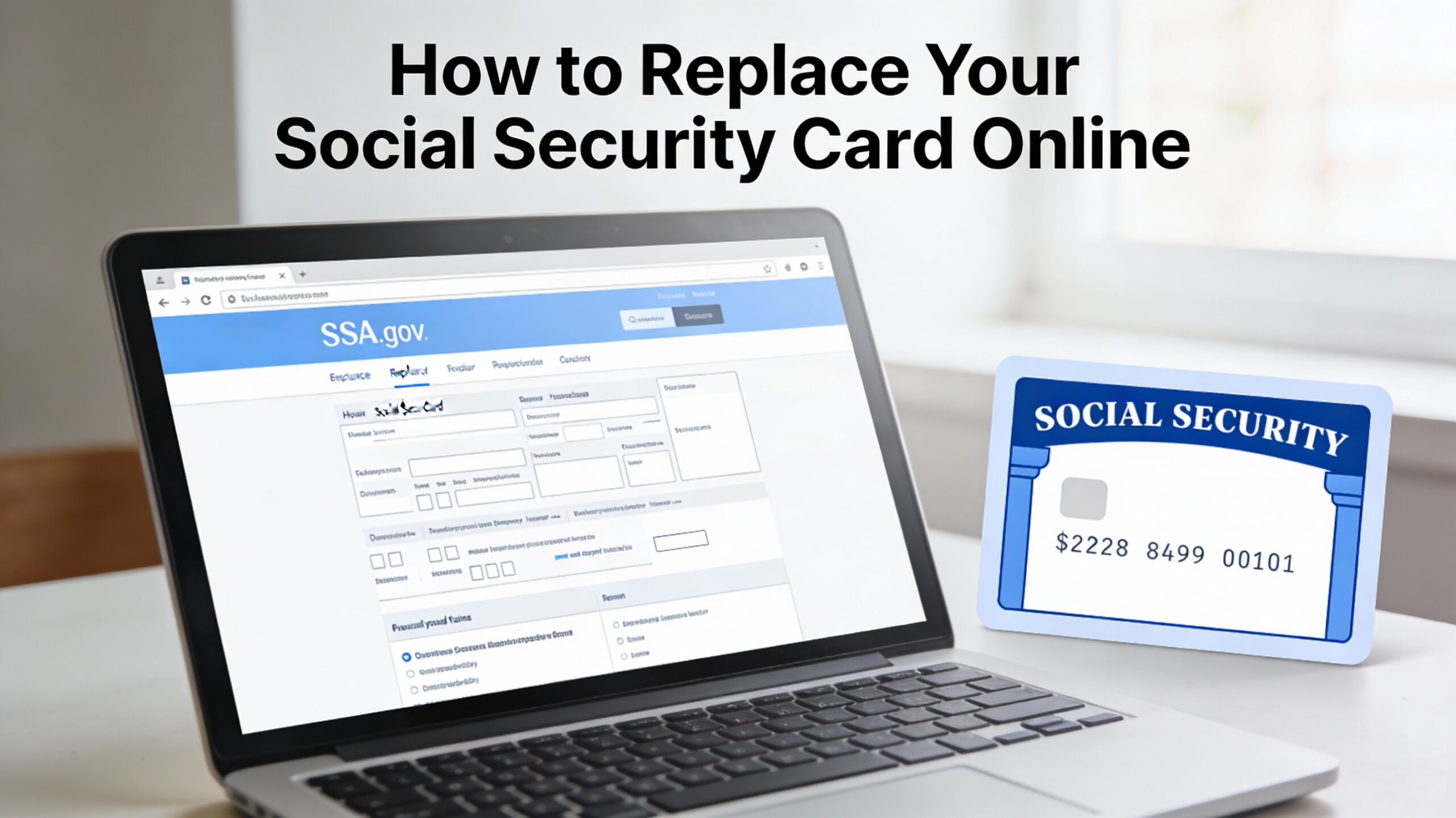
How to Apply for Social Security Card Replacement
If your Social Security card is lost, stolen, or too damaged to read, you can usually get a replacement online in just a few steps through the Social Security Administration’s official website.
In many cases, you do not need the physical card for everyday purposes, but some employers, banks, and government agencies may ask to see it when you start a new job, open certain accounts, or apply for benefits.
The good news is that a replacement Social Security card is free, and eligible adults in the United States can request one online without visiting a local office or mailing original documents.
Table of Contents
Who Can Replace a Social Security Card Online?
To use the online replacement service, you must be a U.S. citizen, at least 18 years old, have a U.S. mailing address, and have a valid driver’s license or state‑issued ID from a participating state or the District of Columbia.
You also need a my Social Security account, and your request must be for a simple replacement only, with no changes to your name or other information on record.
If you do not meet these requirements, you can still replace your Social Security card, but you will need to apply by mail or in person at a local Social Security office instead of online.
Step-by-Step Process: Social Security Card Replacement Online
1.Go to the official Social Security Administration website and sign in to your my Social Security account, or create a new account if you do not have one yet.
2. Verify your identity by answering security questions or using the verification options offered during account setup and login.
3. From your account dashboard, select the option to “Replace Your Social Security Card” or “Request a Replacement Card.”
4. Confirm that you meet the online eligibility rules, including age, citizenship, U.S. mailing address, and having a qualifying driver’s license or state ID.
5. Complete the online application form with your legal name, date of birth, Social Security number, and other requested details exactly as they appear on your official records.
6. Review the information carefully, submit your replacement request, and save or print the confirmation page for your records.
7. Wait for your new Social Security card to arrive by mail at your U.S. address, which typically takes around 10–14 business days in most cases.
Documents Required for Social Security Card Replacement Online
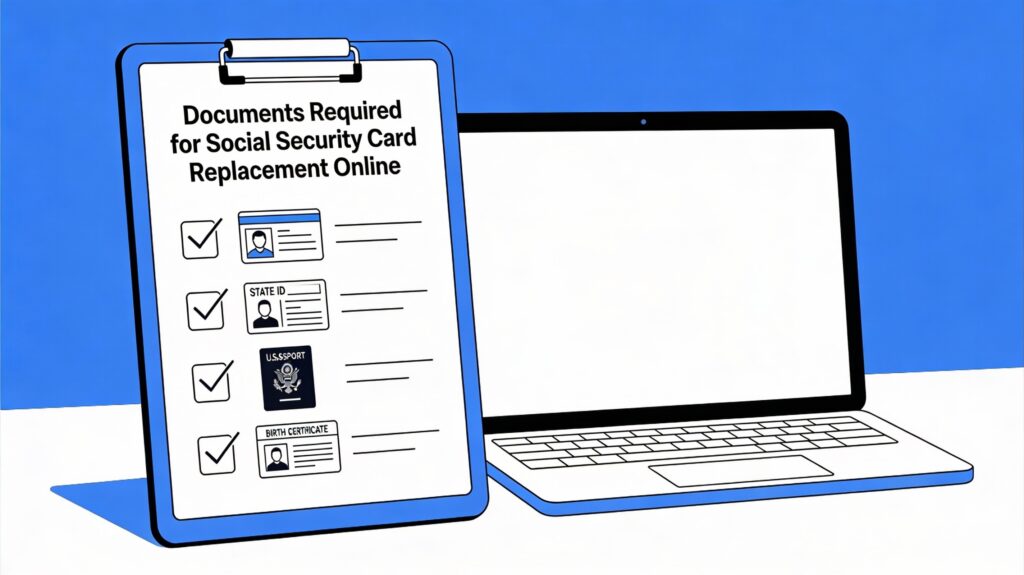
To replace your Social Security card online, you must have at least one valid, unexpired document that proves your identity, such as a U.S. driver’s license, state‑issued ID card, or U.S. passport.
These documents must be originals or copies certified by the issuing agency; photocopies, scans, and notarized copies are not accepted by the Social Security Administration.
If your citizenship or age has not already been verified with Social Security, you may also need to provide proof such as a U.S. birth certificate, Certificate of Naturalization or Citizenship, or another accepted document, though these are typically reviewed when you apply in person or by mail rather than through the online portal.
Cost, Limits, and Processing Time for Online Replacement
Replacing your Social Security card is free; the Social Security Administration does not charge any fee for issuing a replacement card, whether you apply online, by mail, or in person.
Federal rules generally limit you to three replacement Social Security cards per year and a maximum of 10 replacement cards over your lifetime, although some changes like legal name updates or work authorization updates may not count toward these limits.
After your online replacement request is approved, your new Social Security card is usually printed and mailed to your address within about 7–14 business days, depending on mail and processing volume.
Do You Really Need the Physical Card?
In most situations, you only need to provide your Social Security number rather than show the actual card, because many employers, banks, and government agencies can verify your number electronically.
The Social Security Administration advises against carrying your Social Security card in your wallet every day and instead recommends keeping it in a safe place at home, only taking it with you when you are specifically asked to show the original document.
To reduce the risk of identity theft, it is important to limit how often you share your Social Security number, ask why it is needed and how it will be protected, and consider extra security steps such as monitoring your credit and safely storing all documents that display your SSN.
What to Do If Your Social Security Card Is Lost or Stolen
If your Social Security card is lost or stolen, the first step is to decide whether you actually need a replacement, since in many situations knowing your number is enough and the Social Security Administration does not require you to report a lost card by itself.
When you do need a new card, you can request a free replacement online if you meet the eligibility rules, or apply by mail or in person at a local office using the same basic documents described earlier.
If you suspect your Social Security number is being misused, you should act quickly by monitoring your credit, placing a fraud alert or credit freeze with the major credit bureaus, and reporting potential identity theft to the Federal Trade Commission and, when appropriate, to local law enforcement and the Social Security Administration.
Final Thoughts on Social Security Card Replacement
Replacing a lost, stolen, or damaged Social Security card is usually straightforward once you know whether you qualify to use the online service and which documents you need to prove your identity.
For most adults in the United States, the fastest option is to sign in to a my Social Security account on SSA.gov, confirm eligibility, and submit a free replacement request that results in a new card mailed to their home in about one to two weeks.
Even after you receive your new card, it is important to store it safely, avoid carrying it every day, and take steps to protect your Social Security number so you lower your risk of identity theft in the future.
Disclaimer
This article is for general informational purposes only and does not provide legal, tax, or financial advice, nor is it affiliated with or endorsed by the Social Security Administration or any U.S. government agency. Always follow the official instructions on SSA.gov or other government websites when applying for or replacing a Social Security card.
Frequently Asked Questions About Replacing Your Social Security Card Online
1. How do I replace my Social Security card online through my Social Security account?
You can request a replacement Social Security card online by signing in to your my Social Security account at the official Social Security Administration website and selecting the option to “Replace Your Social Security Card.”
After you confirm you meet the eligibility rules and complete the online form with your personal details, your request is processed and the new card is mailed to your address.
2. Am I eligible to request a replacement Social Security card online, or do I need to visit an office?
You are generally eligible to replace your card online if you are a U.S. citizen, at least 18 years old, have a U.S. mailing address, and have a valid driver’s license or state‑issued ID from a participating state or the District of Columbia.
If you need to change information on your record (such as your name) or do not meet these requirements, you will need to apply by mail or in person at a local Social Security office instead.
3. How long does it take to receive a replacement Social Security card in the mail after applying online?
Once your online application is approved, your replacement Social Security card is usually printed and mailed within a few days, and most people receive it in about 7–14 business days depending on postal delivery times.
Processing can take longer if the Social Security Administration needs additional information or if there are delays in mail service in your area.
4. Is there a fee to replace a lost or stolen Social Security card, or is it free?
The Social Security Administration does not charge any fee to issue a replacement Social Security card, whether you apply online, by mail, or in person.
If a third‑party website tries to charge you for “help” with a replacement card, the fee is for their service only, not for the card itself, and you can always apply directly with SSA for free.
5. How many times can I replace my Social Security card in a year and over my lifetime?
Federal rules generally limit you to three replacement cards in a single calendar year and a maximum of 10 replacement cards over your lifetime.
Certain changes, such as legal name changes or updates to work authorization, may not count toward these limits, but repeated replacements for lost cards usually do.
6. What documents do I need to replace my Social Security card online or in person?
To replace your Social Security card, you must provide proof of your identity, typically with a U.S. driver’s license, state‑issued ID card, or U.S. passport.
If Social Security has not already verified your U.S. citizenship or age, you may also need to provide additional documents such as a U.S. birth certificate, Certificate of Naturalization or Citizenship, or another accepted record, especially for in‑person or mail applications.
7. What should I do if my Social Security card or number is lost or stolen and I’m worried about identity theft?
If your Social Security card or number may be misused, you should monitor your bank and credit accounts closely, consider placing a fraud alert or credit freeze with the major credit bureaus, and review your credit reports for unfamiliar activity.
You can also file an identity theft report with the Federal Trade Commission through IdentityTheft.gov and contact the Social Security Administration if you believe your number is being used fraudulently.
8. Can I get a same‑day replacement Social Security card at a local office if I apply in person?
In most cases, you cannot receive a permanent replacement Social Security card on the same day, even if you apply in person at a local office, because cards are printed and mailed from a central facility.
Some offices may give you a receipt or letter showing that you applied, which you can sometimes use temporarily with employers or agencies while you wait for the new card to arrive.
9. Can I replace my Social Security card online if I changed my name or other personal information?
The online replacement service is usually limited to simple replacements with no changes to your name, date of birth, or other key information on your record.
If you recently changed your name due to marriage, divorce, or court order, or need to correct details on your record, you must submit a paper application with original supporting documents by mail or in person instead of using the online tool.
10. How do I replace a Social Security card for my child or someone I am responsible for?
To replace a Social Security card for a child, you must complete Form SS‑5 and provide documents proving the child’s identity, age, and U.S. citizenship or immigration status, as well as proof of your own identity and your relationship to the child.
These applications are typically handled by mail or at a local Social Security office, because online replacement is mainly available for adults managing their own cards.
Tag:free replacement social security card, how can i get a replacement social security card, how can i replace a social security card, how do i get a replacement social security card, how do i replace my social security card, how much is a social security replacement card, how to get a replacement social security card, how to obtain a replacement social security card, how to replace a lost social security card, Identity theft prevention, Official documents, Online application process, order replacement social security card, Personal identification, same day social security card replacement, Social Security Administration, social security card replacement form, SSN replacement online, Vital documents, what do i need to get replacement social security card

You may also like