
Book Your DMV Appointment Online in Minutes
How to Book a DMV Appointment Online in the USA
Booking a DMV appointment online is the fastest way to avoid long lines, skip walk-in uncertainty, and get your license or registration processed without stress. Whether you’re applying for a REAL ID, renewing a driver license, taking a road test, or completing a CDL service, almost every U.S. state now allows online scheduling through its official DMV or DOT portal.
This guide shows you:
- How to book a DMV appointment step-by-step
- What documents you need
- What each type of appointment includes
- State-specific tips (NY, CA, TX, FL, IA)
- How to avoid delays, rejected applications, or wasted trips
Table of Contents
Key Takeaways
- You can schedule most DMV services online, including renewals, REAL ID, permits, road tests, and CDL services.
- Confirm whether your state allows online vision tests or pre-check of documents.
- Walk-ins are limited and often not guaranteed—appointments save time.
- Bring the correct documents to avoid rescheduling.
- Always use the official state DMV website, not third-party sites.
Why Booking Your DMV Appointment Online Saves Time
Booking online is better than walking in because you get:
A guaranteed time slot
No more waiting hours or being told to “come back tomorrow.”
The ability to compare locations
Pick the DMV office with the shortest wait time, nearest parking, or earliest availability.
Pre-visit checklists
Many states let you:
- Upload documents
- Complete a vision test
- Fill forms online
- Pre-pay fees
This shortens your visit by 30–70%.
Less chance of being turned away
Walk-ins often close early or may not accept REAL ID, CDL, or driving test requests.
How to Schedule a DMV Appointment Online (All States)
Although every state uses a slightly different system, the steps are almost the same.
Step 1: Go to Your State’s Official DMV Website
Never use third-party websites. Use the government portal only.
Official directories:
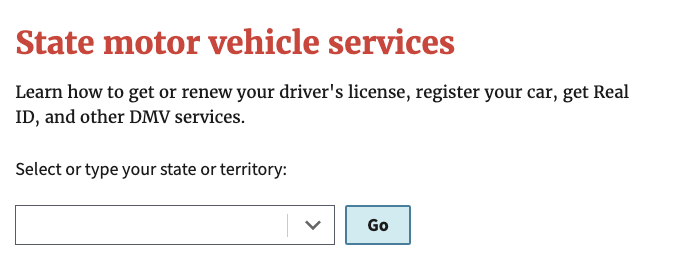
- All states → https://www.usa.gov/motor-vehicle-services
- California → https://dmv.ca.gov
- New York → https://dmv.ny.gov
- Texas → https://www.txdmv.gov
- Florida → https://www.flhsmv.gov
- Iowa → https://iowadot.gov
Step 2: Choose the Exact Service You Need
Every service has different requirements, fees, and documents.
Common DMV appointment types:
- Driver license renewal
- REAL ID upgrade
- First-time permit
- Knowledge (written) test
- Road test/driving test
- Vehicle registration/title
- CDL services
- License replacement
- Suspensions/reinstatement
Selecting the wrong service can cause delays or rejection.
Step 3: Pick Your Location
Use your state’s DMV office directory to compare:
- Distance
- Parking
- Services offered
- Appointment availability
- Wait times
Mid-week mornings usually have the shortest queues.
Step 4: Select the Date and Time
Choose your preferred time slot.
Most states give:
- Immediate confirmation
- Email reminders
- Required documents list
Step 5: Enter Your Personal Information
You may need to provide:
- Full name
- DOB
- License/ID number
- Contact details
- Vehicle info (for registration services)
Step 6: Upload Documents (If Allowed)
Some states (NY, CA) allow:
- Online vision tests
- Document pre-check
- Digital uploads
This reduces processing time at the office.
Step 7: Confirm Your Appointment
Download or print your confirmation.
Bring:
- Documents
- Fees
- Proof of identity
- Confirmation number
DMV Appointment Requirements: What to Bring
Your documents depend on the service you choose.
REAL ID Appointment
Bring:
- 1 identity proof (passport or birth certificate)
- 1 Social Security proof (SS card or W-2)
- 2 residency documents (utility bills, lease, bank statements)
Driver License Renewal
Bring:
- Expiring license
- Vision test (online or in person)
- Proof of address (if required by state)
- Payment method
Learner Permit / Knowledge Test
Bring:
- Completed application
- Proof of age
- Proof of identity
- Permit fee
Driving Test (Road Test)
Bring:
- A safe, registered, insured vehicle
- Valid permit
- Appointment confirmation
- Sponsor (adult, if state requires it)
CDL Appointment
Bring:
- CDL permit or existing CDL
- Medical card
- Endorsement paperwork
- TSA clearance for HAZMAT
What Happens at Your DMV Appointment?
Each appointment has a different check-in process.
| Service Type | What Happens | What to Bring |
| Renewal / REAL ID | Written test on a computer or paper | ID, SSN proof, residency proof |
| Permit / Knowledge Test | Written test on computer or paper | Application, age proof, and fee |
| Driving Test | Pre-trip check + on-road exam | Safe vehicle, insurance, permit |
| Vehicle Services | Title, registration, VIN inspection (if needed) | All vehicle papers |
| CDL Services | Skills test, endorsements, and medical verification | CDL docs, medical card |
State-Specific DMV Appointment Notes
New York (NY DMV)
- Many renewals are online.
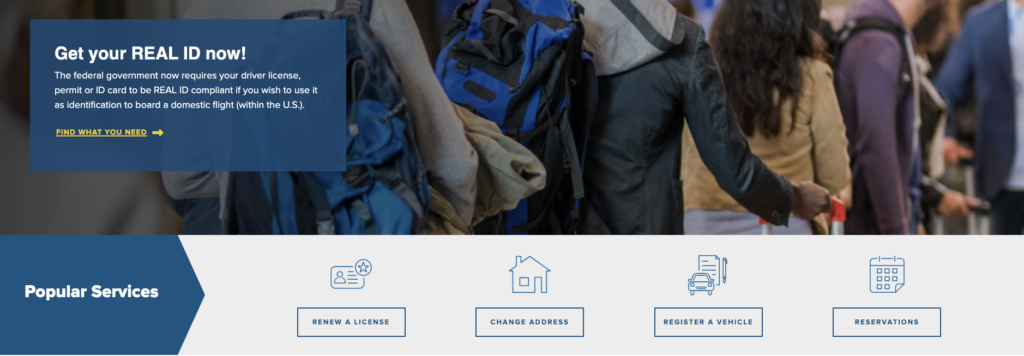
- Vision test can be done online via Cleared to Drive.
- Road tests must be booked online.
- REAL ID still requires an in-person visit.
NY DMV Link: https://dmv.ny.gov
California (CA DMV)
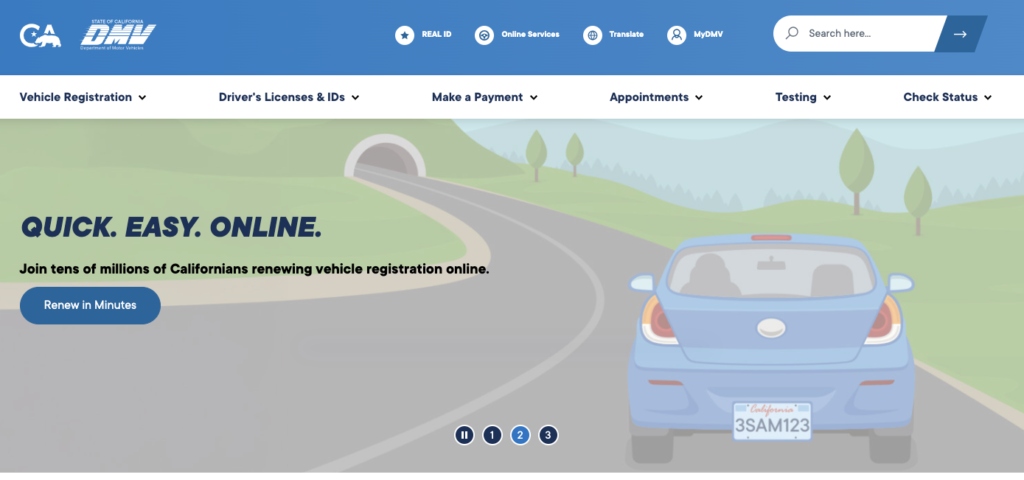
- Online check-in saves time.
- REAL ID requires original documents.
- Express offices available for renewals.
- You can upload documents online.
California DMV Link: https://dmv.ca.gov
Texas (TX DMV & DPS)
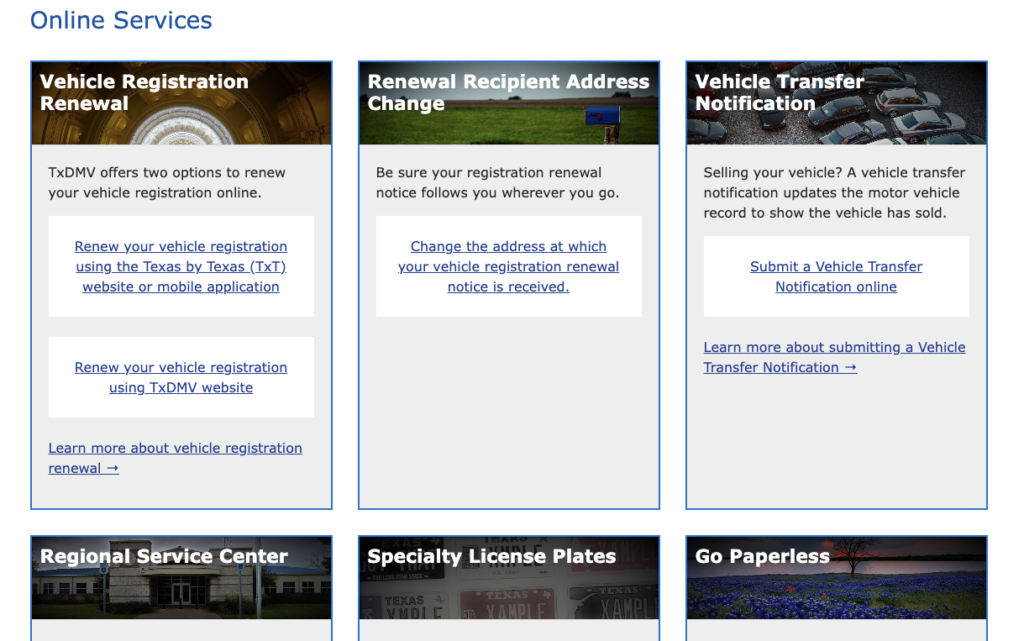
- Driving tests require a DPS appointment, not a TXDMV.
- Mega centers are available for faster service.
Texas DMV Link:
Florida (FLHSMV)
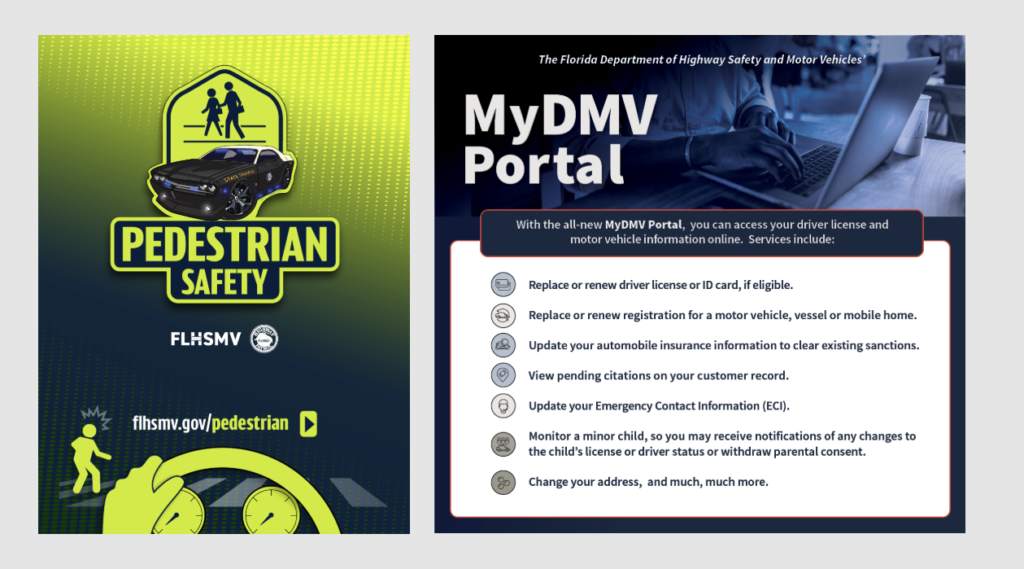
- Written tests are allowed online for minors (with restrictions).
- Appointments are required for most services.
Florida (FLHSMV) DMV Link: https://www.flhsmv.gov
Iowa (Iowa DOT)
- Choose service type first, then location.
- Some counties handle vehicle services separately.
DMV Link: https://iowadot.gov
Walk-Ins vs. DMV Appointments
| Walk-In | Appointment |
| Long unpredictable waits | Guaranteed time |
| Not available for many services | Available for most |
| Can be turned away | Confirmation guarantees service |
| Good only for simple tasks | Best for REAL ID, tests, CDL |
FAQ: DMV Appointment in the USA
How do I book a DMV appointment online?
Visit your state’s official DMV website → choose your service → select location → pick date/time → confirm → bring required documents.
Why is booking online better than walking in?
It saves time, guarantees your slot, reduces waiting, and prevents being turned away due to capacity limits.
What documents do I need for a DMV appointment?
It depends on the service, but common documents include:
1. ID proof
2. Social Security proof
3. Residency proof
4. Vehicle registration/insurance (for driving tests)
4. What is required for a REAL ID appointment?
assport/birth certificate + SSN proof + two residency documents.
Your state DMV lists the full acceptable document list.
Can I take a vision test online?
Some states allow online vision screening (NY, CA), but not all. Always check your state website.
6. How early should I arrive for my DMV appointment?
Arrive 10–15 minutes early. Driving tests may require 20–30 minutes of early check-in.
Can I reschedule my DMV appointment?
Yes. Most states allow it through your online dashboard or confirmation email.
Conclusion
Booking a DMV appointment online is the easiest, fastest, and most reliable way to complete your driver license, REAL ID, permit, or vehicle services across the United States. Use your state’s official portal to confirm fees, documents, and service availability—then arrive prepared with all required paperwork to avoid delays.
If you follow this guide, your DMV visit will be smooth, quick, and stress-free.
Disclaimer
This article is for informational purposes only and is not affiliated with any U.S. state DMV, DOT, MVA, or government agency. Requirements, fees, and appointment processes may vary by state and are subject to change without notice. Always confirm the latest information on your official state DMV website before visiting in person.

You may also like
