How to Link Mobile Number with Voter ID Online: Complete Step-by-Step Guide 2026
Linking your mobile number with your Voter ID is an important step for Indian citizens who want to ensure smooth communication with the Election Commission. It helps in receiving updates, alerts, and important notifications related to voter services, including polling booth changes, election dates, and correcting voter details.
Table of Contents
Why Link Your Mobile Number with Voter ID?
- Stay updated with election notifications
- Get instant alerts for voter details corrections
- Enable easy OTP-based authentication for future updates
How to Link Mobile Number with Voter ID Online
To update your mobile number in your Voter ID, you need to fill Form 8 (Form for correction of entries in the existing electoral roll). This is the official method recognized by the Election Commission of India.
Step-by-Step Process to Link Mobile Number with Voter ID Online
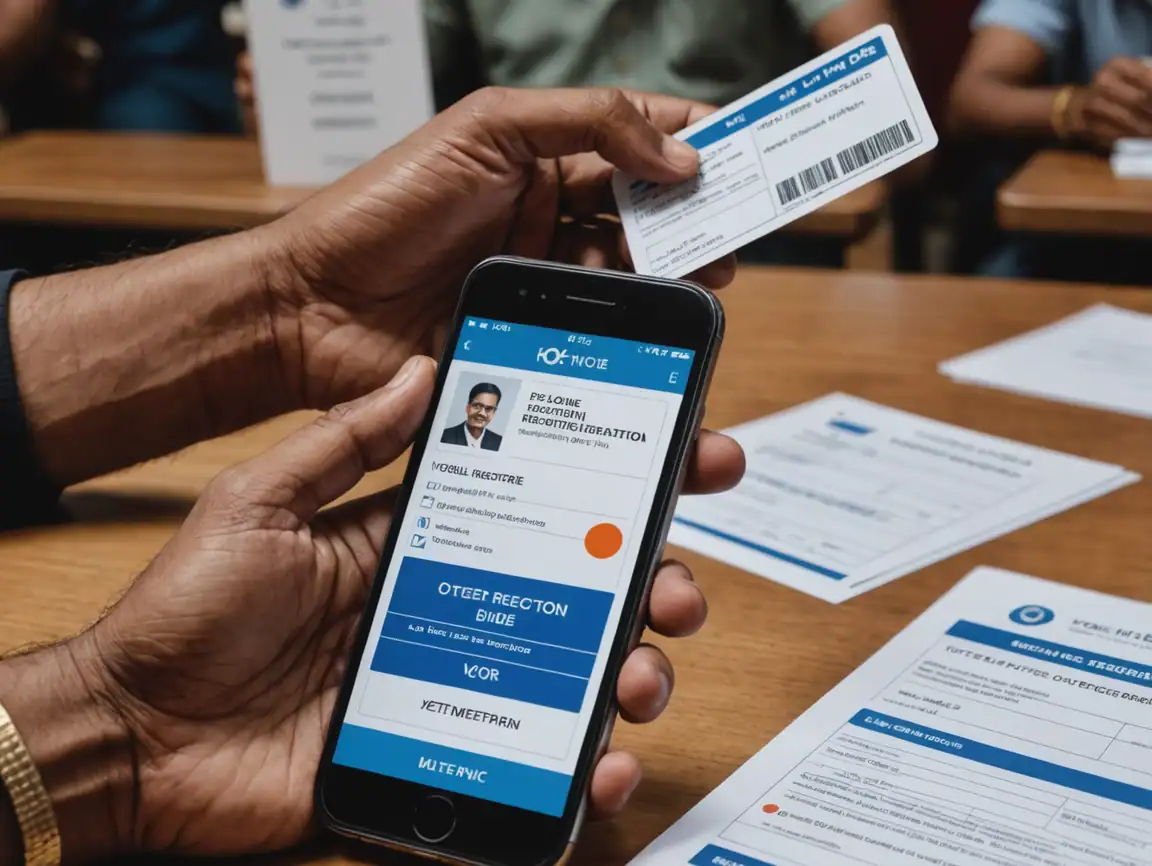
- Visit the NVSP Portal or Voter Helpline App
Go to the official National Voter Service Portal (NVSP) at https://voters.eci.gov.in/ or download the Voter Helpline mobile app.
- Login or Register
- If you already have an account, sign in using your credentials
- New users should register using basic details and a valid email ID or mobile number
- Fill Form 8
Under “Voter Services” or “Update Voter Details,” select “Fill Form 8.” This form is specifically designed for correcting entries in the electoral roll, including contact information.
- Enter Your Mobile Number
Provide your current mobile number in the designated field in the form.
- Authenticate with OTP
You’ll receive a One-Time Password (OTP) on your phone. Enter the OTP to verify your number and validate the request.
- Submit and Get Confirmation
After entering the OTP, submit the request. You’ll get a confirmation message and can check your application status on the portal.
How to Download Voter ID Card Online – Full Guide with Official Link
You can also link your mobile number by visiting the local Electoral Registration Office (ERO) and filling out Form 8. Here’s what to do:
- Visit your local ERO office
- Fill out Form 8 with your updated mobile number and/or email address
- Carry ID proof such as Aadhaar, PAN, or Passport along with your Voter ID
- Submit the form and collect a receipt for reference
Frequently Asked Questions
Is linking my mobile number mandatory?
No, it is not mandatory to link your mobile number. However, it is highly recommended for receiving important election-related updates and for future digital services from the Election Commission.
Do I need Aadhaar to link my mobile number?
You can link your mobile number without Aadhaar. However, linking Aadhaar can streamline the verification process and help ensure your records are accurate.
How long does it take for the mobile number to be linked?
Typically, it takes a few hours or days after you provide OTP verification for your mobile number to be officially linked to your Voter ID.
Can I change my mobile number later?
Yes, you can update your mobile number anytime by filling Form 8 again through the NVSP portal or by visiting your local Electoral Registration Office.
What if I don’t receive the OTP?
Ensure that your mobile number is active and you have adequate network coverage. If you still don’t receive the OTP, try again after some time or contact the Election Commission helpline for assistance.
Tips for Hassle-Free Linking
- Ensure your mobile number is always active and accessible
- Use only official Election Commission portals (NVSP.in or Voter Helpline app)
- Avoid sharing sensitive details like OTP with anyone
- Keep your Voter ID proof handy when visiting the ERO office
- Contact Election Commission helpline for any unresolved issues
Conclusion
Linking your mobile number with your Voter ID through Form 8 is a simple and secure process that ensures you stay connected with important electoral updates. Whether you choose to do it online through the NVSP portal or offline at your local Electoral Registration Office, the process is straightforward and takes just a few minutes. Stay empowered—link your mobile number and keep your voter data updated for smooth democratic participation!
#VoterID #Form8 #KYC #DigitalIndia #MobileLinking #ElectionCommission #VoterRegistration
How to Download PAN Card Online in 2025– Direct Link & Easy Guide
How to Download AadharCard : Complete Guide (5 Official Methods)