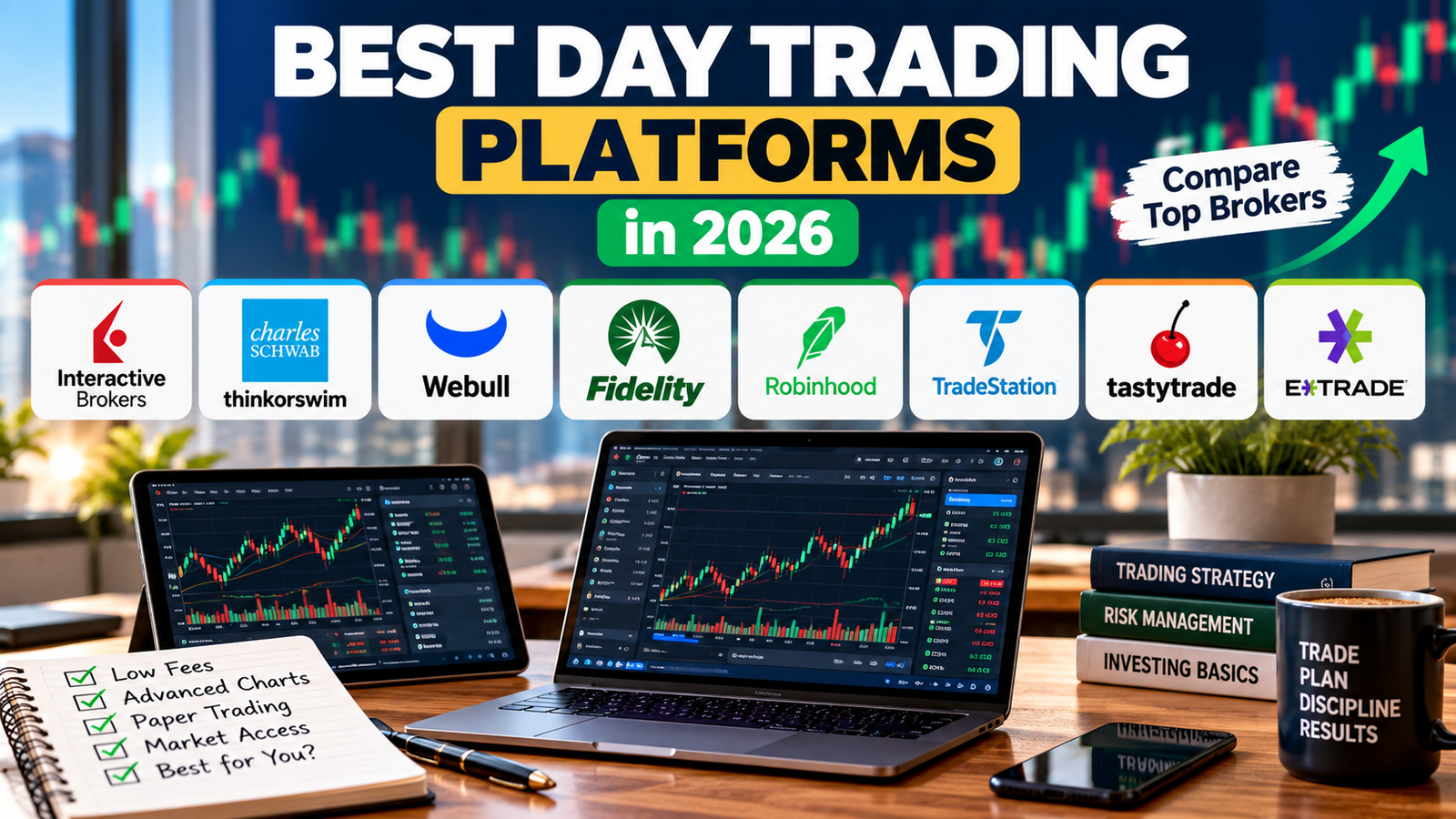
Best Day Trading Platforms in 2026: Compare Top Brokers
Best Day Trading Platforms in 2026: Compare Top Brokers
Choosing the best day trading platform can make a difference in how efficiently you analyze markets, place orders, and manage trading costs. Some platforms are designed for beginners who want a simple interface, while others offer advanced charting, customizable workspaces, and sophisticated order-routing tools for experienced traders.
The right choice depends on what you trade, how frequently you trade, your experience level, and whether you need features such as paper trading, options analytics, or short selling.
In this guide, we compare eight popular day trading platforms available to eligible U.S. traders: Interactive Brokers, Charles Schwab thinkorswim, Webull, Fidelity, Robinhood, TradeStation, tastytrade, and E*TRADE. We also explain trading costs, account requirements, and the features worth checking before opening an account.
Table of Contents
Best Day Trading Platforms at a Glance
| Platform | Best for | Main strength |
|---|---|---|
| Interactive Brokers | Active and experienced traders | Order tools and market access |
| Charles Schwab thinkorswim | Advanced charting | Technical analysis and customization |
| Webull | Cost-conscious traders | Accessible charts and paper trading |
| Fidelity | All-around investing and trading | Research and brokerage services |
| Robinhood | Simple mobile trading | Easy-to-use interface |
| TradeStation | Technical and systematic traders | Strategy development and testing |
| tastytrade | Options day trading | Options-focused analytics |
| E*TRADE | Active traders who want web tools | Power E*TRADE platform |
Platform features, eligibility, and prices can change. Confirm current terms with each broker before opening an account.
1. Interactive Brokers: Best for Active Traders
Interactive Brokers (IBKR) is a strong choice for active traders who want extensive order controls, detailed market information, and access to multiple markets. Its Trader Workstation (TWS) desktop platform is designed for users who need more than basic buy-and-sell functionality.
Key features
- Advanced order types and order-management tools.
- Customizable trading layouts and market scanners.
- Access to a broad range of securities and international markets, subject to eligibility.
- Multiple pricing structures, including IBKR Lite and IBKR Pro for eligible U.S. clients.
- Tools for monitoring positions, exposure, and portfolio risk.
IBKR Pro uses a commission structure that can depend on the selected plan and trading volume. Its published U.S. stock pricing includes tiered and fixed options, while IBKR Lite offers commission-free online U.S. stock and ETF trades under its terms. Other fees may apply.
Pros: Extensive trading tools, broad market access, and flexible order controls.
Cons: The interface can feel complicated for beginners, and some market data or services may cost extra.
Best for: Traders who value control, research, and advanced trading functionality over a minimalist interface.
2. Charles Schwab thinkorswim: Best for Advanced Charting
Charles Schwab’s thinkorswim platform is popular among traders who rely on technical analysis. It offers desktop, web, and mobile experiences, with extensive charting and customizable layouts.
Key features
- Technical indicators and drawing tools.
- Watchlists, scanners, and customizable charts.
- Options analysis and trading tools.
- thinkorswim paperMoney for simulated trading.
- Educational resources for learning the platform.
The paperMoney simulator lets users practice trading strategies without risking actual capital. However, simulated orders may not reflect live execution, liquidity, or slippage.
Pros: Powerful charts, detailed analysis tools, and a paper-trading environment.
Cons: The number of features can overwhelm new traders, and learning the interface takes time.
Best for: Technical traders who want detailed charting and a platform they can customize.
3. Webull: Best for Cost-Conscious Traders
Webull combines mobile, desktop, and web-based trading with charting tools and a relatively approachable interface. It can be useful for traders who want to explore technical analysis without immediately adopting a complex professional platform.
Key features
- Customizable charts and technical indicators.
- Watchlists, alerts, and market information.
- Paper trading for practice.
- Stock, ETF, and options trading, subject to account approval and availability.
- Mobile and desktop access.
Webull advertises commission-free trading for certain products, but this does not mean every transaction is completely free. Options, regulatory, exchange, market-data, and other applicable fees should be reviewed in its current fee schedule.
Pros: Accessible interface, useful charting, and simulated trading.
Cons: Some advanced data or features may require additional fees, and the available tools may not meet every professional trader’s needs.
Best for: Beginners and intermediate traders who want charts and practice tools in an accessible platform.
4. Fidelity: Best All-Around Brokerage
Fidelity is known for its research, investment resources, and broad range of brokerage services. Although it is not exclusively a day-trading platform, it offers tools that can suit investors who also trade actively.
Key features
- Online trading in eligible U.S. stocks and ETFs.
- Research, market information, and screening tools.
- Active Trader Pro for eligible users.
- Options trading with required approval.
- Brokerage services that support longer-term investing as well as active trading.
Fidelity lists $0 online commissions for eligible U.S. stock and ETF trades, while options generally have a per-contract commission. Other transaction and regulatory fees may apply.
Pros: Research resources, a wide range of investment services, and useful tools for combining trading with longer-term investing.
Cons: Traders who want highly specialized order-routing tools or a very customizable professional interface may prefer another platform.
Best for: People who want one brokerage for active trading, research, and longer-term investments.
5. Robinhood: Best for a Simple Mobile Experience
Robinhood focuses on making trading accessible through a straightforward interface. Its simplicity can be appealing to people who prefer placing trades and monitoring positions from a phone or a clean web interface.
Key features
- Simple stock and ETF order entry.
- Options trading for eligible, approved accounts.
- Watchlists and market alerts.
- Margin features through eligible account programs.
- Additional trading features that depend on product availability and account eligibility.
Robinhood advertises commission-free trading on certain securities and options, but other costs can apply. Margin borrowing also introduces interest expenses and the possibility of losses greater than the initial amount invested.
Pros: Straightforward interface and relatively simple trade placement.
Cons: Traders who rely on highly specialized desktop charting, advanced order controls, or extensive customization may find it limiting.
Best for: Traders who prioritize ease of use over a large collection of advanced desktop tools.
6. TradeStation: Best for Technical and Systematic Traders
TradeStation is designed for traders who want detailed analysis tools and the ability to develop and test trading ideas. Its capabilities can be useful for people who use rule-based strategies rather than making every decision manually.
Key features
- Advanced charts and technical indicators.
- Market scanning and strategy-development tools.
- Historical analysis and strategy testing.
- Stock, ETF, and options trading, subject to account eligibility.
- Pricing structures that can vary by product and trading activity.
TradeStation’s fees may depend on the product, pricing tier, and applicable promotions. For example, its published options pricing includes volume-based tiers and other charges. Review its official pricing page before comparing it with a commission-free broker.
Pros: Extensive technical tools and capabilities for systematic strategy development.
Cons: The learning curve can be steep, and traders must understand the full pricing structure.
Best for: Experienced traders who want to analyze, develop, and test structured trading strategies.
7. tastytrade: Best for Options Day Trading
tastytrade is particularly focused on options and derivatives trading. Its tools are built around analyzing options strategies, making it worth considering for traders who understand options pricing and the risks involved.
Key features
- Options chains and multi-leg strategy tools.
- Risk and position analysis.
- Stock, ETF, and futures trading, subject to product availability and account approval.
- A platform designed around active options workflows.
- Published pricing for opening and closing different types of positions.
According to its published pricing, stock and ETF commissions are $0, while listed equity options generally have a $1-per-contract opening commission, capped at $10 per leg, and $0 closing commission. Clearing and regulatory fees may still apply; index and futures options can have different charges.
Pros: Options-focused analytics and a pricing structure designed for active options traders.
Cons: It may not be the simplest starting point for someone who has never traded options.
Best for: Traders who already understand options mechanics and need tools to evaluate multi-leg strategies.
8. E*TRADE: Best for Web-Based Active Trading
ETRADE offers standard brokerage services alongside Power ETRADE, a platform with advanced charting and tools for active traders. It can be a practical choice for people who want a more sophisticated trading experience without necessarily relying on a highly specialized professional workstation.
Key features
- Power E*TRADE charting and analysis.
- Stock, ETF, and options trading, subject to approval.
- Watchlists, screeners, and market information.
- Educational resources for traders.
- Web and mobile access.
The broker’s commissions and fees depend on the product and transaction. Standard online U.S. stock and ETF trades may be commission-free, while options contract charges and other fees can apply. Verify the latest details on E*TRADE’s official website.
Pros: Useful active-trading tools, educational resources, and a combination of web and mobile access.
Cons: Some features may take time to learn, and its costs should be compared with alternatives based on the products you trade.
Best for: Traders who want active-trading tools alongside a broader brokerage offering.
How to Choose the Best Day Trading Platform
The best platform is not necessarily the one with the most features. It is the one that fits your trading style, budget, and experience.
Compare the total cost
Look beyond advertised commissions. Depending on your activity, costs can include:
- Options contract charges.
- Margin interest on borrowed funds.
- Market-data subscriptions.
- Short-selling borrow fees and availability.
- Exchange, regulatory, clearing, or other transaction fees.
- Platform or account fees, where applicable.
Even small charges can add up when you trade frequently. Compare the fees relevant to your actual trading habits rather than choosing a broker based on a single advertised rate.
Evaluate charting and order controls
If you use technical analysis, look for the indicators, drawing tools, scanners, and alerts you need. Active traders may also care about hotkeys, customizable layouts, advanced order types, and order-routing options.
Do not assume that a platform with more features will automatically improve your results. Tools are useful only when you understand how to use them.
Try paper trading first
A simulator lets you practice order entry, test a trading plan, and learn a platform without risking real money. Webull and thinkorswim are two options to investigate if simulated trading is important to you.
Remember that simulated fills, liquidity, and emotional pressure can differ from live trading. Paper trading helps you learn; it does not establish that a strategy will be profitable.
Choose a platform suited to your experience
- Beginners: Prioritize ease of use, education, and a simulator.
- Technical traders: Compare charting, scanning, alerts, and customization.
- Options traders: Examine options analytics, contract fees, and approval requirements.
- Frequent active traders: Focus on execution, order controls, total costs, and market-data access.
Day Trading Rules and Account Requirements in the U.S.
Before opening an account, understand the difference between cash and margin trading. A margin account allows you to borrow from a broker under its terms, but leverage can magnify losses and may lead to forced liquidation.
U.S. day-trading margin rules are also changing. FINRA’s new intraday margin requirements became effective on June 4, 2026, replacing the previous pattern day trader framework, including its $25,000 minimum equity requirement. However, firms can use a transition period through October 20, 2027, so some brokers may still apply the older requirements while others adopt the new standards. Check your specific broker’s current rules before placing frequent intraday trades. See FINRA’s explanation of the new intraday margin requirements and Investor.gov’s guidance.
Cash accounts have different restrictions. Most U.S. securities transactions settle on a T+1 basis, meaning settlement generally occurs one business day after the trade date. Cash-account restrictions can affect how quickly you can reuse proceeds, so learn your broker’s rules before trading frequently. The SEC explains the settlement cycle in its T+1 investor bulletin.
Common Mistakes to Avoid
- Choosing only by commission: Other fees and execution quality matter.
- Using margin without understanding it: Borrowing can magnify losses.
- Trading with real money too early: Learn the platform and test your process first.
- Ignoring order types: Market, limit, and stop orders behave differently.
- Assuming every asset is available: Products and permissions vary by broker.
- Believing a platform guarantees profits: A trading interface cannot remove market risk.
Day trading can lead to rapid and substantial losses. Never risk money you need for living expenses, emergency savings, or near-term obligations.
Frequently Asked Questions
What is the best day trading platform in the U.S.?
There is no single best choice for every trader. Interactive Brokers is worth considering for advanced tools and market access, thinkorswim for charting, Webull for accessible charts and paper trading, and tastytrade for options-focused workflows.
Which day trading platform is best for beginners?
Beginners should prioritize a clear interface, educational material, transparent costs, and paper trading. Webull, Robinhood, and thinkorswim may be worth comparing, depending on how much charting and customization you need.
Can I day trade with $100?
It may be possible to start learning with a small amount, but whether you can place particular trades depends on the broker, account type, asset price, and current requirements. A small balance also leaves little room for losses and costs. Consider paper trading before risking money.
Do commission-free trading platforms have fees?
They can. Commission-free stock trades may still involve regulatory or transaction fees, and options, market data, margin borrowing, or short selling may carry separate charges. Read the broker’s fee schedule.
Which platform is best for options day trading?
tastytrade is designed around options trading, while Interactive Brokers, thinkorswim, Fidelity, and other brokers offer options tools too. Compare contract fees, analytics, order controls, and approval requirements before deciding.
Is day trading profitable for beginners?
Day trading is difficult, and beginners can lose money quickly, particularly when using leverage or trading volatile assets. A good platform may help with analysis and order management, but it cannot guarantee profits. Learn risk management and practice before trading live.
Final Verdict
The best day trading platform depends on what you trade and which tools you need. Interactive Brokers is a strong option for experienced traders, thinkorswim stands out for charting, Webull offers accessible tools and paper trading, Fidelity provides a broad brokerage experience, and tastytrade is worth considering for options-focused strategies.
Before choosing, compare current fees, test the interface, confirm account requirements, and understand the rules that apply to your account. Start with a simulator if you are new to active trading, and remember that managing risk matters more than having the most advanced platform.
Disclosure: This article is for educational purposes only and is not individualized investment advice. Trading involves risk, including the possible loss of your entire investment. Broker features, pricing, and eligibility requirements can change; verify details directly with the provider before opening an account.

You may also like
Groww vs Zerodha: Charges, Features & Which Is Right for You?